Your menu on every table. Every table on your phone.

One code on the table opens your menu, your Wi-Fi and a private note to you, with the table number on it. Made in Jeffreys Bay for South African restaurants.

R249 a monthNo setup feeNo contract

One code. Three things every table wants.

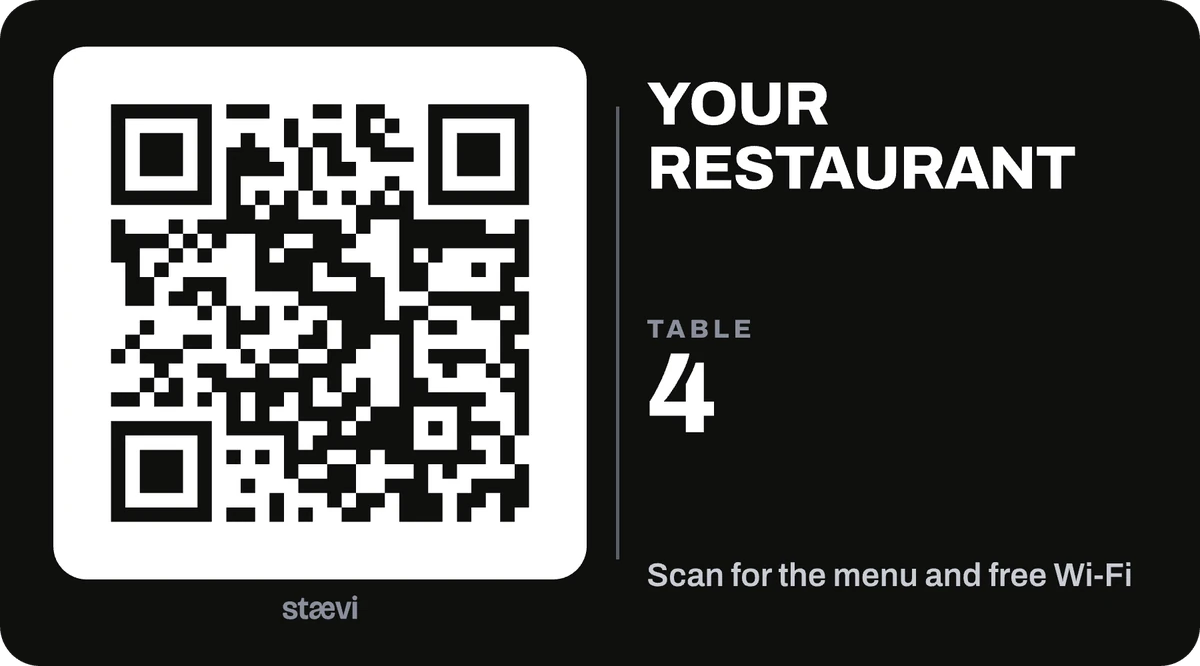
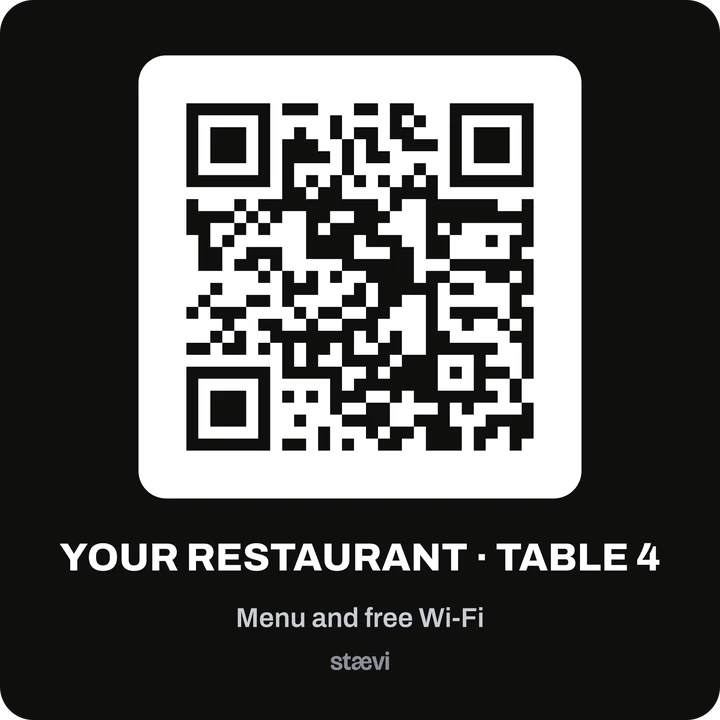
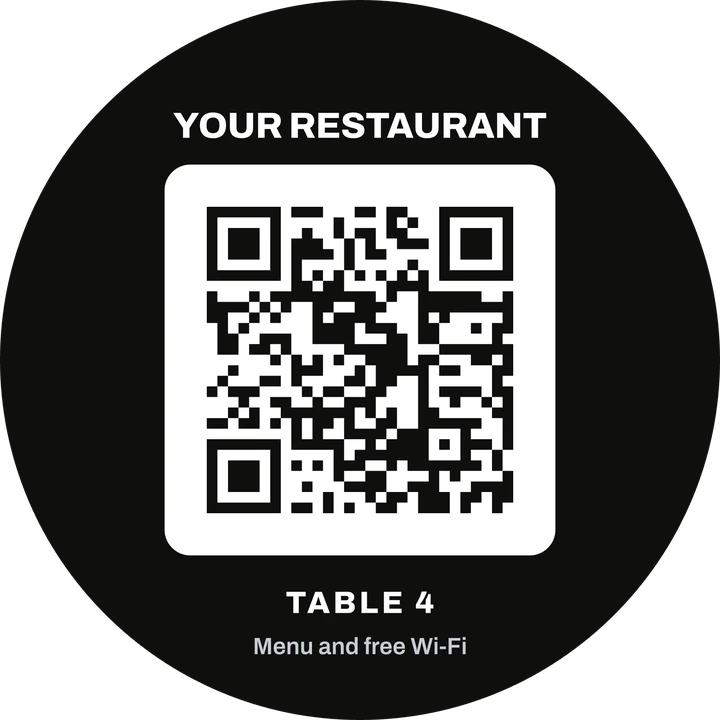
Diners point their camera at the label and your page opens in their browser. No app, no account, on any phone.

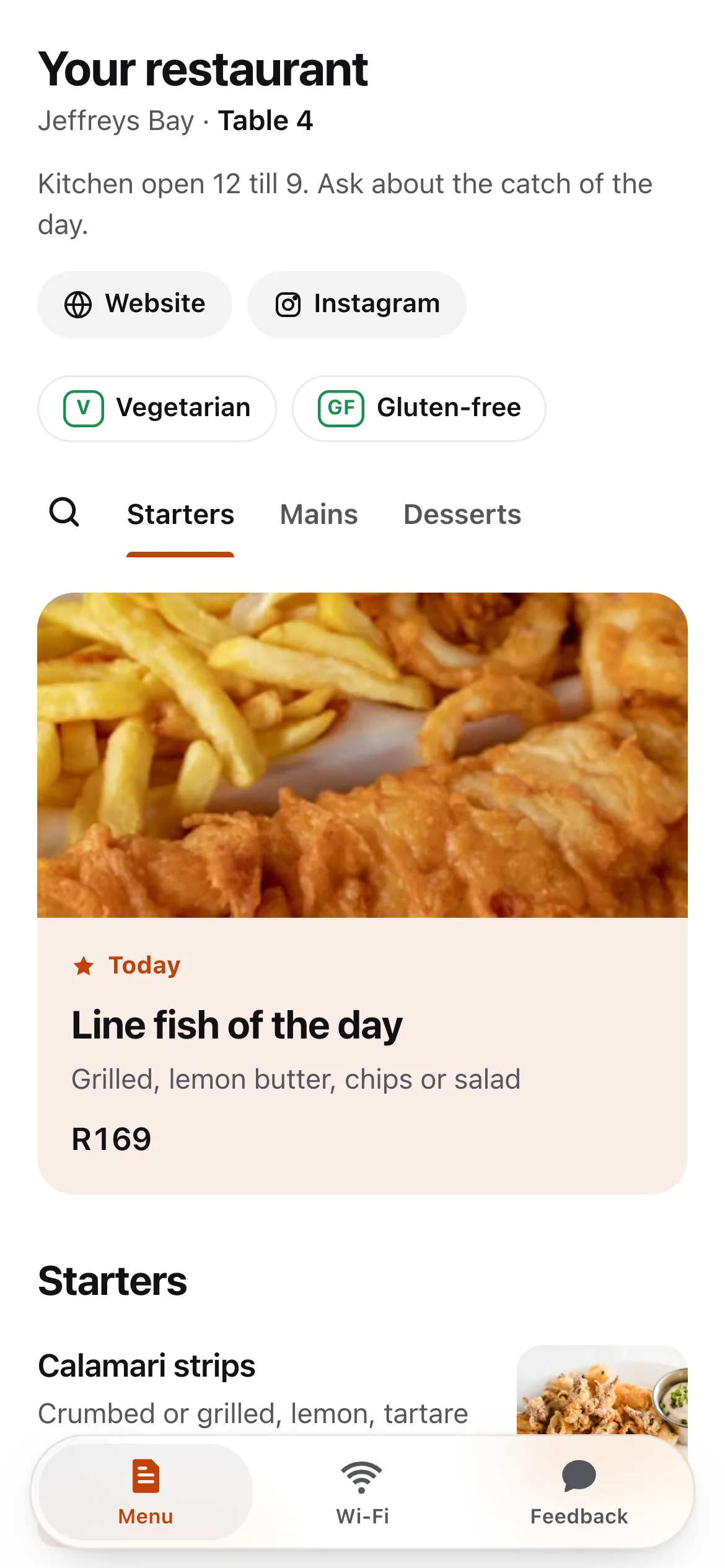
The menu, always right

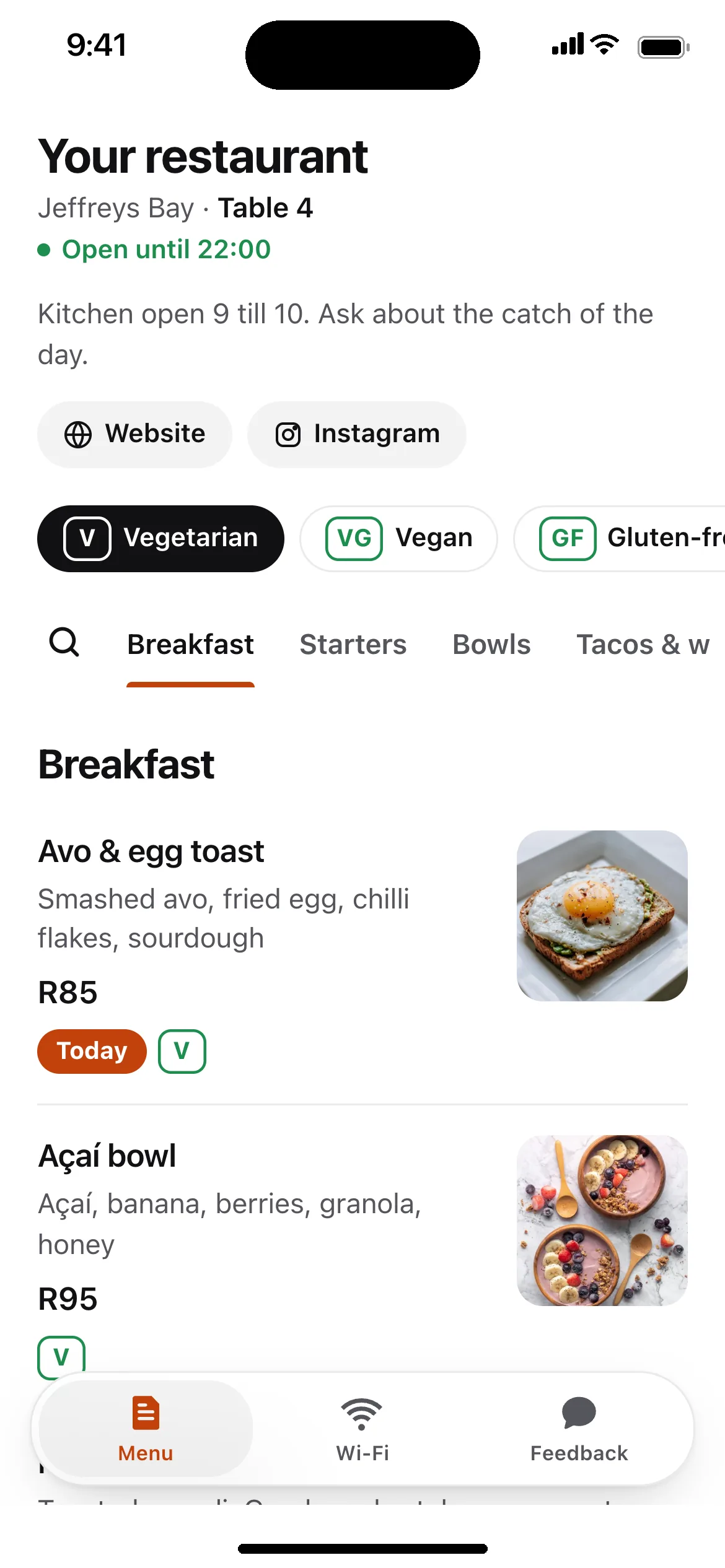
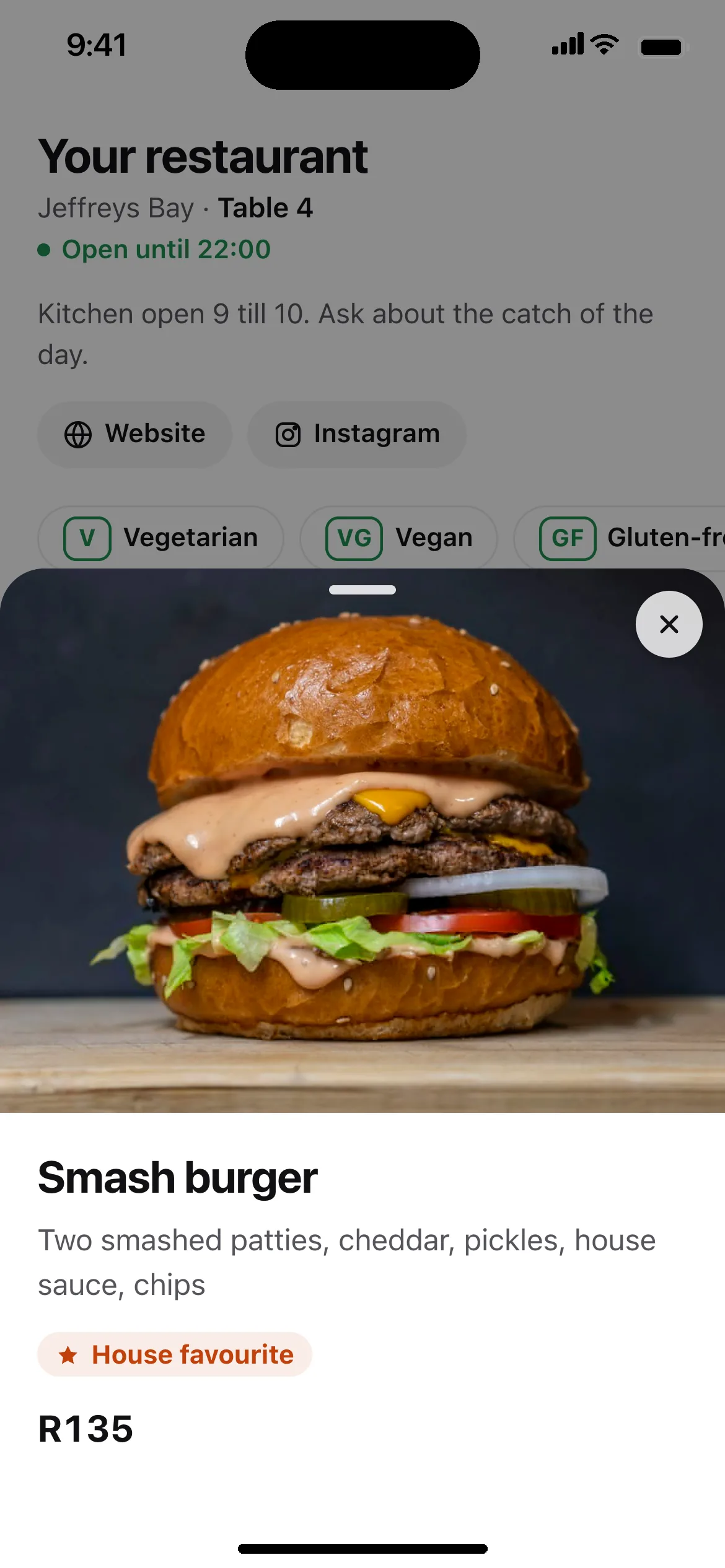
Change a price at eleven and it is right by lunch. Mark a dish sold out and it greys out on every table. Today’s dish sits at the top.

J Bar’s menu on a phone: the J Bar logo, Website and Instagram buttons, section tabs, and starters with prices.

Wi-Fi, even without data

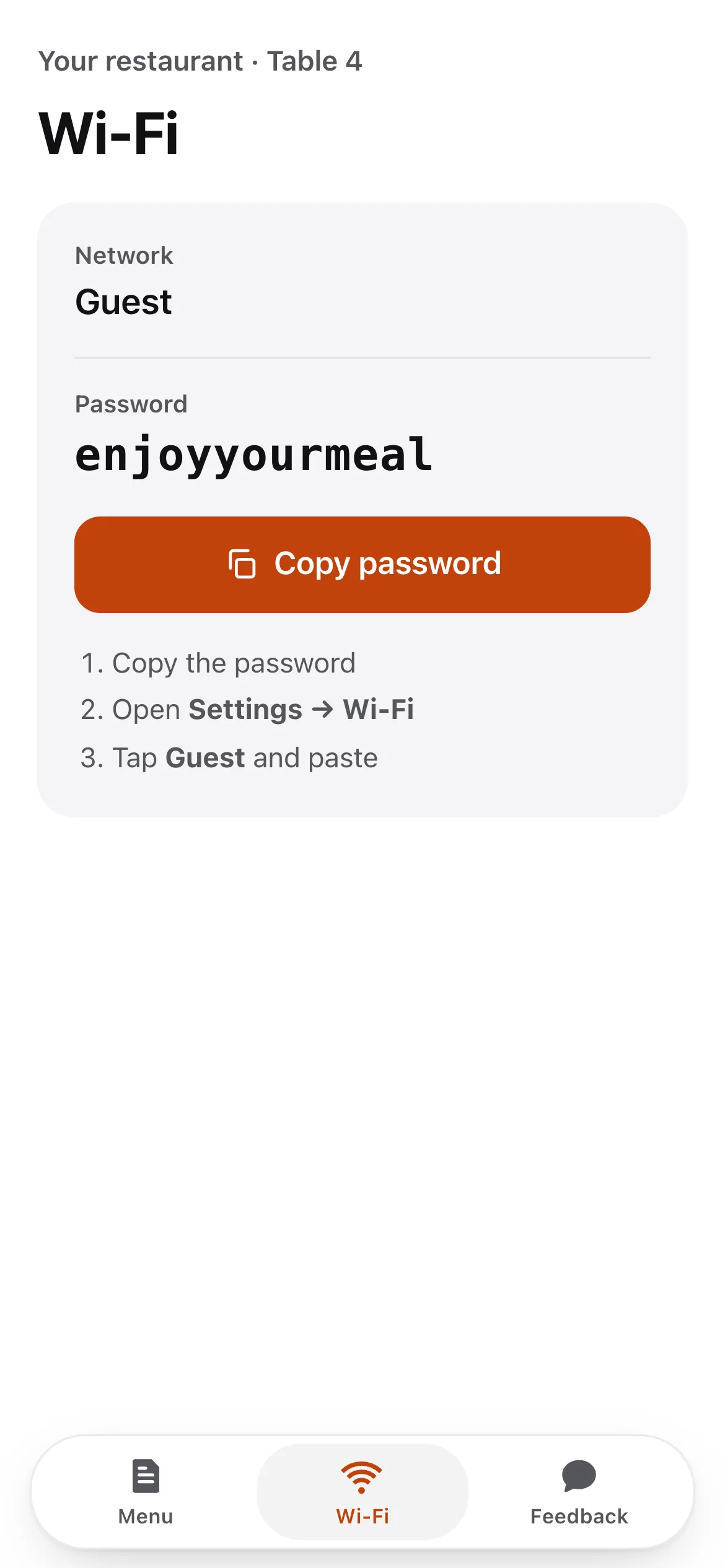
The label carries a second code that joins your Wi-Fi, for the guest whose data ran out. The Wi-Fi tab shows the password with a copy button.

The Wi-Fi tab of J Bar’s menu: network JBar-Guest, the password, and a Copy password button.

A note to you, not about you

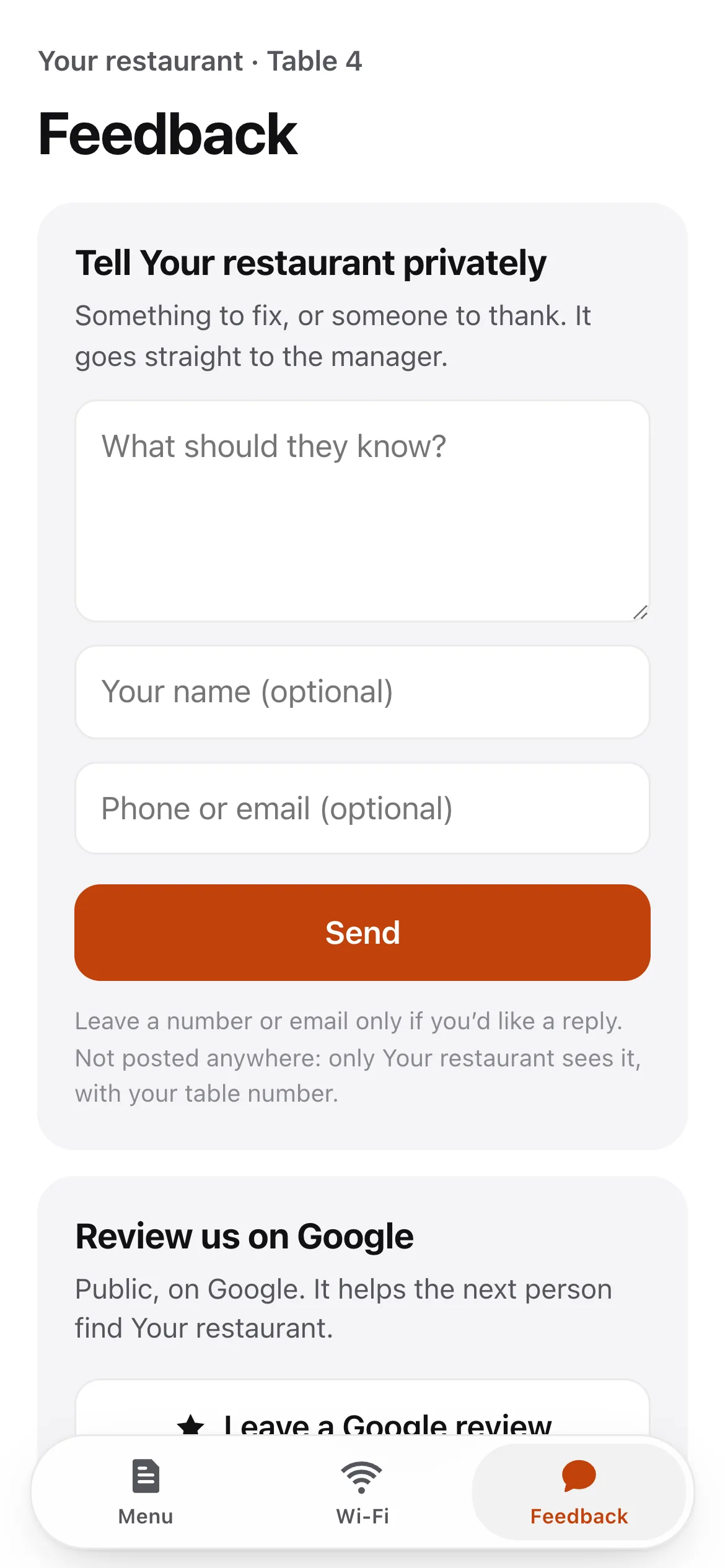
Something to fix, or someone to thank: it comes straight to you with the table number, and nobody else sees it.

The Feedback tab: Tell J Bar privately, a note box, optional name and contact, and below it a Leave a Google review button.

Every diner sees the Google review button too, whether they were happy or not. Google does not allow asking only the happy ones, and it is the fair way to earn your stars.

Hear it from table 6 while they are still at table 6.

A cold plate becomes a note on your phone, not a one-star review tonight. You walk over, fix it, and they leave happy.

  • A notification the moment it is sent. On your phone or your computer, with the table number and what they wrote.
  • Reply if they want you to. A diner can leave a number or an email; one tap calls, messages or mails them back.
  • An email too. Every note also lands in your inbox, so nothing depends on one phone.

Run it from your phone. Or your computer.

The staevi app goes on your Home Screen straight from the browser, on iPhone or Android. On a computer it is the same app, with more room.

The staevi app’s menu list with one dish swiped left, showing Sold out and Delete buttons.
Sold out? Swipe.It greys out on every table at once. Swipe back when the kitchen has more.
The Edit dish sheet: photo, name, price, description, section, and switches for Sold out and Dish of the day, with Cancel and Save.
A dish in a minute.Name, price, a photo if you want one. Cancel means nothing changed.
The Feedback tab of the staevi app: new notes from tables 6 and 3, an earlier one from table 11, and a card to switch on notifications.
Every note, by table.Read it, call back, and see who wrote before.
staevi.com/app
The staevi app on a computer: a sidebar, J Bar’s dishes with an on-off switch on each, and beside them the menu exactly as a diner sees it.

What diners see, beside what you change.

On a computer the diner’s page sits next to your menu and updates the moment you save, drafts included.

Reorder dishes and sectionsDish of the dayYour logo and colourMore than one restaurant
An A4 sheet of six black J Bar table labels, tables 1 to 6. Each has its own menu code, the table number, Menu, Wi-Fi and Feedback icons, and a second code for the Wi-Fi with the network name and password.

Labels that know their table.

Print them from the app on any printer, six to an A4 page. Cut, stick, done.

Every table its own code

So a note tells you which table wrote it. Lost one? Print that table on its own.

The Wi-Fi code beside it

“No data? Scan this first.” The guest joins your Wi-Fi, then the menu opens.

Printed once

The code never changes. Only what it opens does.

From paper menu to live, in an afternoon.

Add your dishes

In the staevi app, on your phone or computer: sections, names, prices, photos if you want them. Pick your colour and add your logo.

Print your labels

Choose your tables and print. Add your guest Wi-Fi first and every label gets a Wi-Fi code too.

Put them on the tables

Diners scan, read, join the Wi-Fi, and tell you what they think. You change the menu whenever you like.

R249a month
  • Your menu page, in your logo and colour
  • Table labels with Wi-Fi codes, printed from the app
  • Private notes from diners, to your phone and inbox
  • The staevi app on your phone and computer
  • As many dishes, photos and changes as you like
Get your menu

That is the whole price.

No setup fee

You build your menu yourself in the app, so there is nothing else to pay for.

No contract

Stop the monthly charge in the app whenever you like. Your menu stays live to the end of the month you paid for.

No VAT on top

staevi is not registered for VAT, so R249 is the amount that leaves your account.

Paid by card

Monthly, through Payfast.

QR code that opens J Bar’s demo menu

Point your phone at this.

J Bar’s menu opens exactly as a diner at the table sees it. Try the Wi-Fi and Feedback tabs at the bottom.

staevi.com/m/demo

What restaurant owners ask.

Something else? Email hello@staevi.com. A person answers.

Do my diners need to download anything?
No. They point the camera at the code and your menu opens in the browser they already have. No app and no account, on iPhone or Android.
What if a guest has no data?
Add your guest Wi-Fi in the app and every label gets a second code that joins it. The label says “No data? Scan this first.”
Do I have to type the whole menu in myself?
Yes, and it's quick: in the staevi app, on your phone or computer, each dish is a name, a price and a photo if you want one. Change anything later and every table updates.
What happens to the code when I change the menu?
Nothing. The code opens your page, not a copy of it. Change a price, add a dish, take the winter menu off, and the labels on the tables stay the same.
Can one account run more than one restaurant?
Yes. Each restaurant has its own menu, labels and notes, and you switch between them in the app.
Can diners order or pay through it?
Not today. staevi is the menu, the Wi-Fi and a private line to you. Your waiters still take the order.
Am I signing a contract?
No. R249 a month, month to month. Stop the monthly charge in the app at any time; you don’t have to phone anyone or give a reason.
I run a guesthouse, not a restaurant.
staevi started as a guest portal for guesthouses, and it still works for the guesthouses using it. It is not what we are selling right now. If you have an account, sign in from the link at the bottom of this page.

Put your menu on the table.

R249 a month, set up by you in an afternoon, stopped whenever you like.